
Settlement building meets tower defense
Haven
Under Fire
Build your home. Hold the line.
Every farm feeds a worker. Every power line keeps a tower ready. Build a thriving settlement—and protect the crystals that will rebuild your home.
In beta for iPhone & iPad. App Store release coming soon.

8 campaign landsA settlement worth fighting for
3 difficultiesRelaxed, Standard & Veteran
Portrait & landscapeMade for iPhone and iPad
No adsOne optional Full Game purchase
A home under pressure
Grow your settlement.
Earn your next advantage.
Your economy and defenses depend on each other. The next building could fund your expansion—or leave your perimeter exposed.
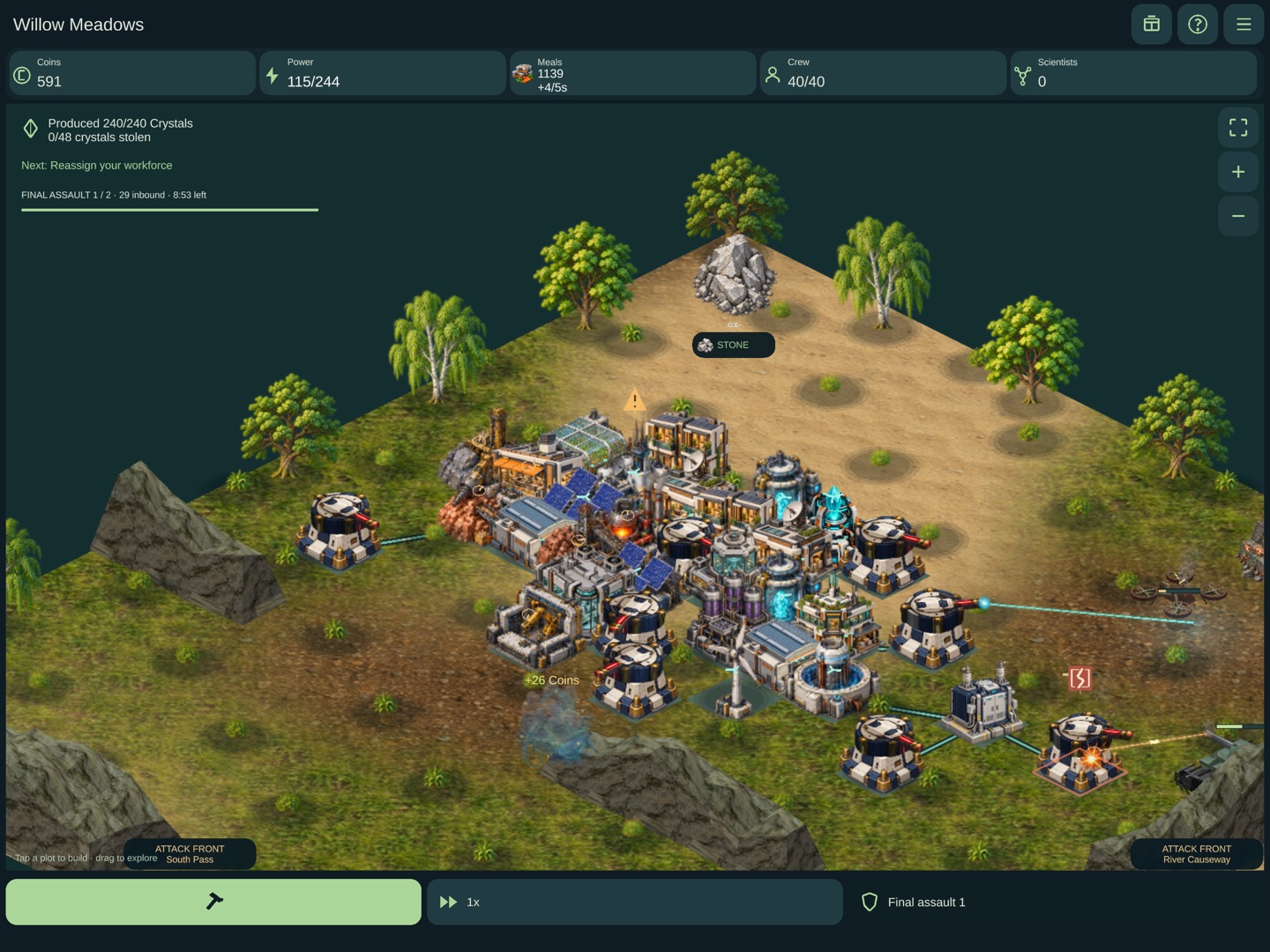
Actual gameplay from the native iOS beta. Interface and balance may evolve before release.
Build an economy.
Mine resources, grow food and connect your power grid. Your workers keep every supply chain moving.
Hold your ground.
Cover the approaches with towers and walls. Earn Coins in battle, then turn those rewards into stronger defenses.
Protect your future.
Produce crystals, defend your storage and stop raiders from escaping with them. Win battles to open the next research tier.
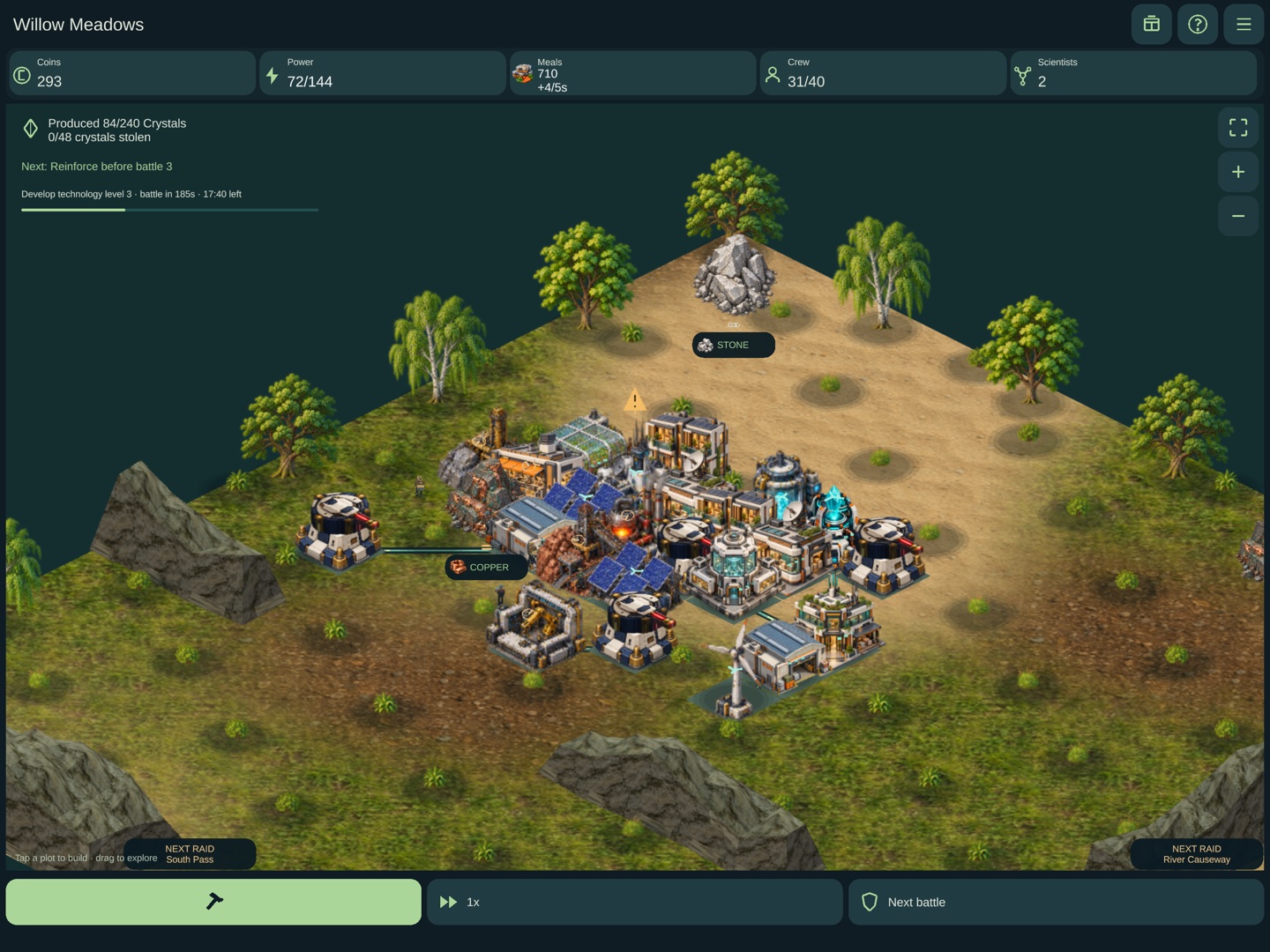
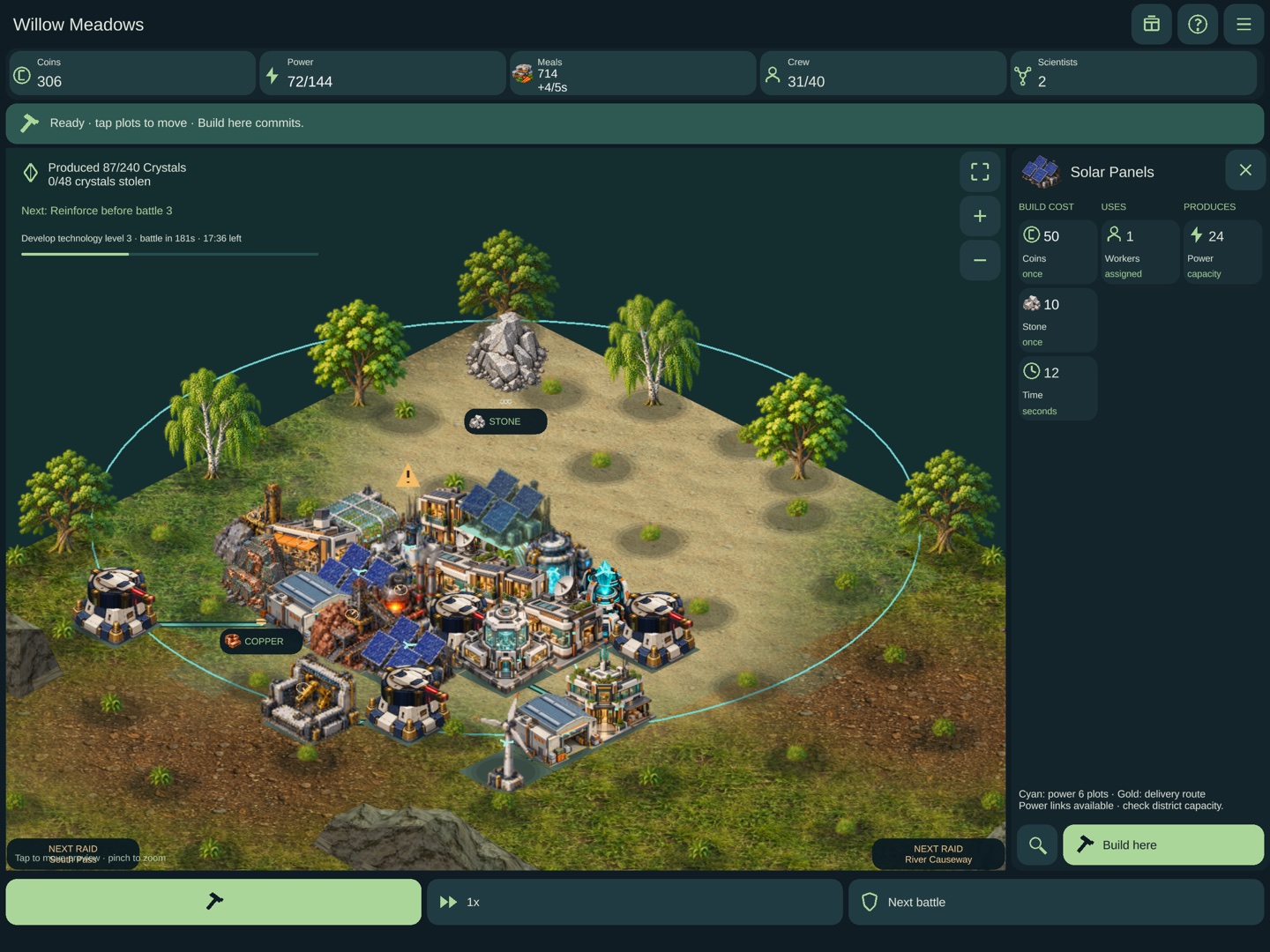
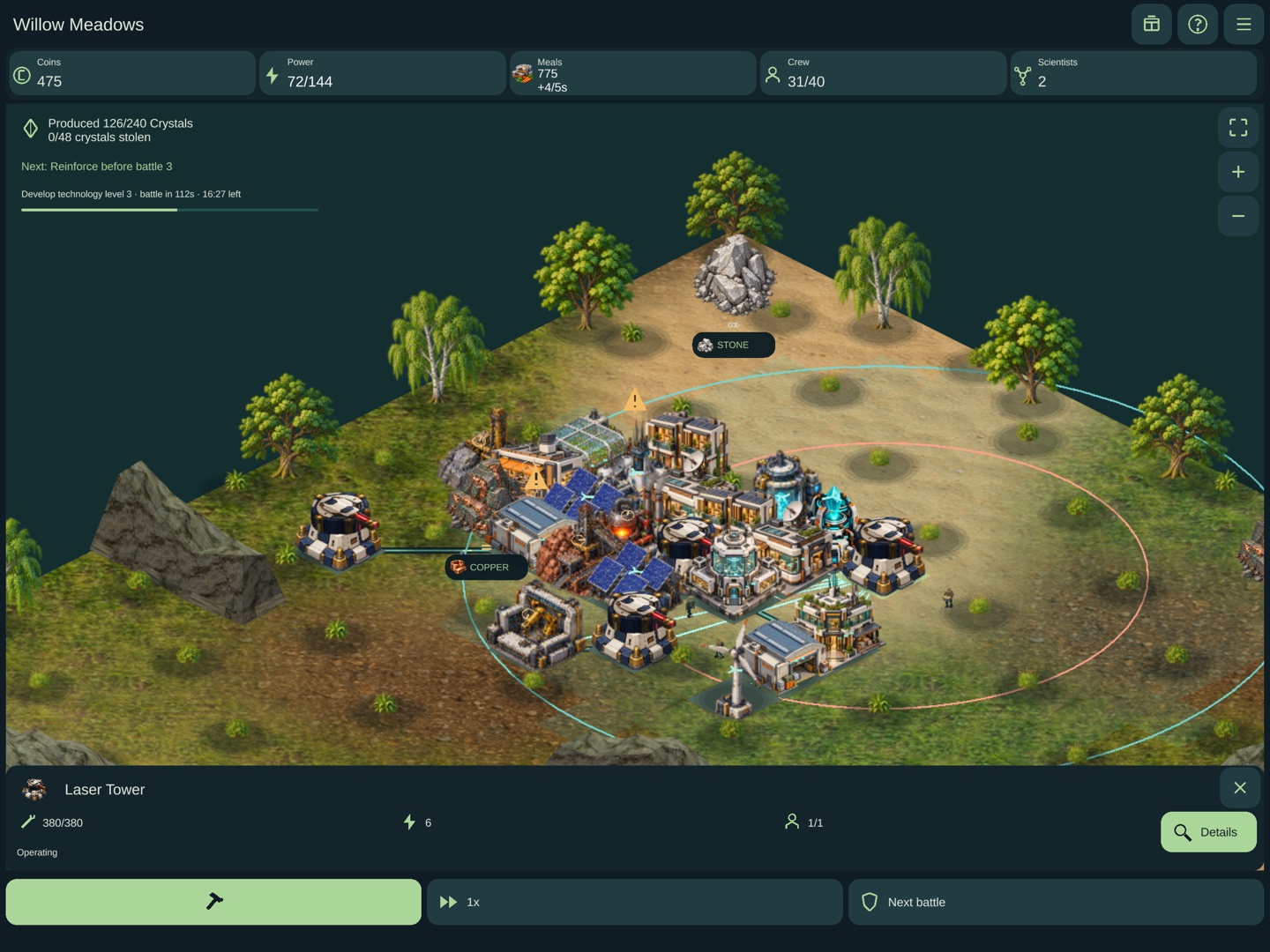
Select a screenshot to explore it at full size.
The launch plan
Your first land.
Free to play.
Start in Willow Meadows and build a complete settlement. Continue the adventure with a single, restorable Full Game purchase.
Currently in beta. Public App Store release coming soon.
Apple shows the local price in your storefront.
- Seven additional lands, unlocked through victories
- Custom Game with your choice of settings
- No subscriptions, ads or paid resources
- Offline campaign play after ownership is established
Here to help
A little guidance
goes a long way.
Find answers about your first settlement, purchases and sound.
All player supportHow do I start?
Open Campaign, choose a difficulty and tap Willow Meadows. Build your Settlement HQ, then follow the Stone, storage and food tasks. Choosing a building creates a free preview; only Build here spends materials.
How do I restore my purchase?
Open Full Game & Restore from the main menu, then choose Restore purchases with the same Apple Account. Restoration recovers ownership, not deleted local saves. If approval is pending, wait for Apple to complete it before trying again.
Why can’t I hear any sound?
Turn off iPhone Silent Mode, raise media volume and check Bluetooth or AirPlay output. In Settings, turn off the game’s mute switch and try a sound-check button. The game intentionally respects Silent Mode.